
Machines · solution · details
How ChipLogin connects to a machine
The reader authenticates the operator's card and passes their identity and permissions to the machine. The machine's program enables the individual functions.
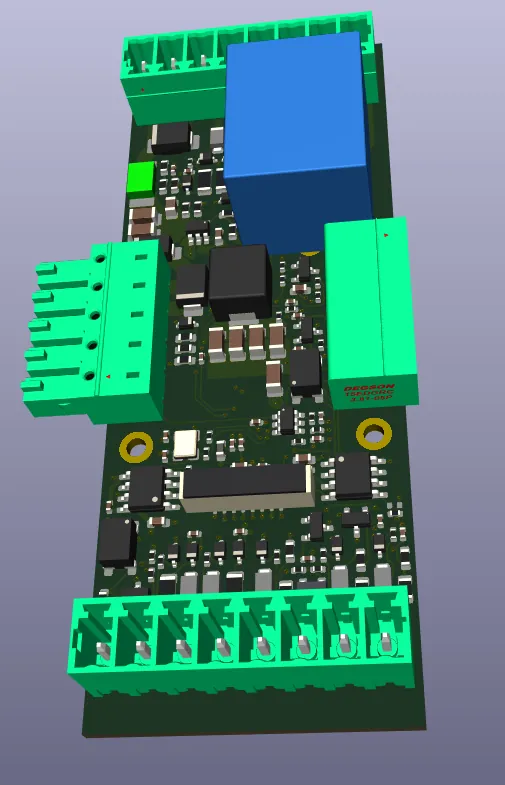
Reader at the operator, module in the cabinet
Employees present their card at the reader head on the machine. The CL5800 module is installed in the control cabinet and connects the reader to the control system.
The digital model shows the machine control board. Its placement and configuration for a specific machine are addressed when designing the installation.
From authentication to an enabled function
ChipLogin authenticates the card and passes the relevant permissions to the . The machine's program can use them to distinguish between routine operation, setup and service work.
The can display the relevant information to the operator. The exact behaviour is configured in the machine's program to suit operational requirements.
Integration tailored to the machine
Before installation, we check the available interface and agree how the control program will use the supplied permissions. The changes required depend on the machine and its control system.
Preparation includes listing the functions each group of employees should be allowed to access and the qualifications required.
The same card as at computers and doors
Machine access is linked to the employee and their card in ChipLogin. Card authentication is recorded; the recording of individual production operations depends on the machine's implementation.